 Voicepane
Screen, face and voice. One video.
Record a walkthrough with your face and voice, and draw on what you’re showing as you talk.
See how it works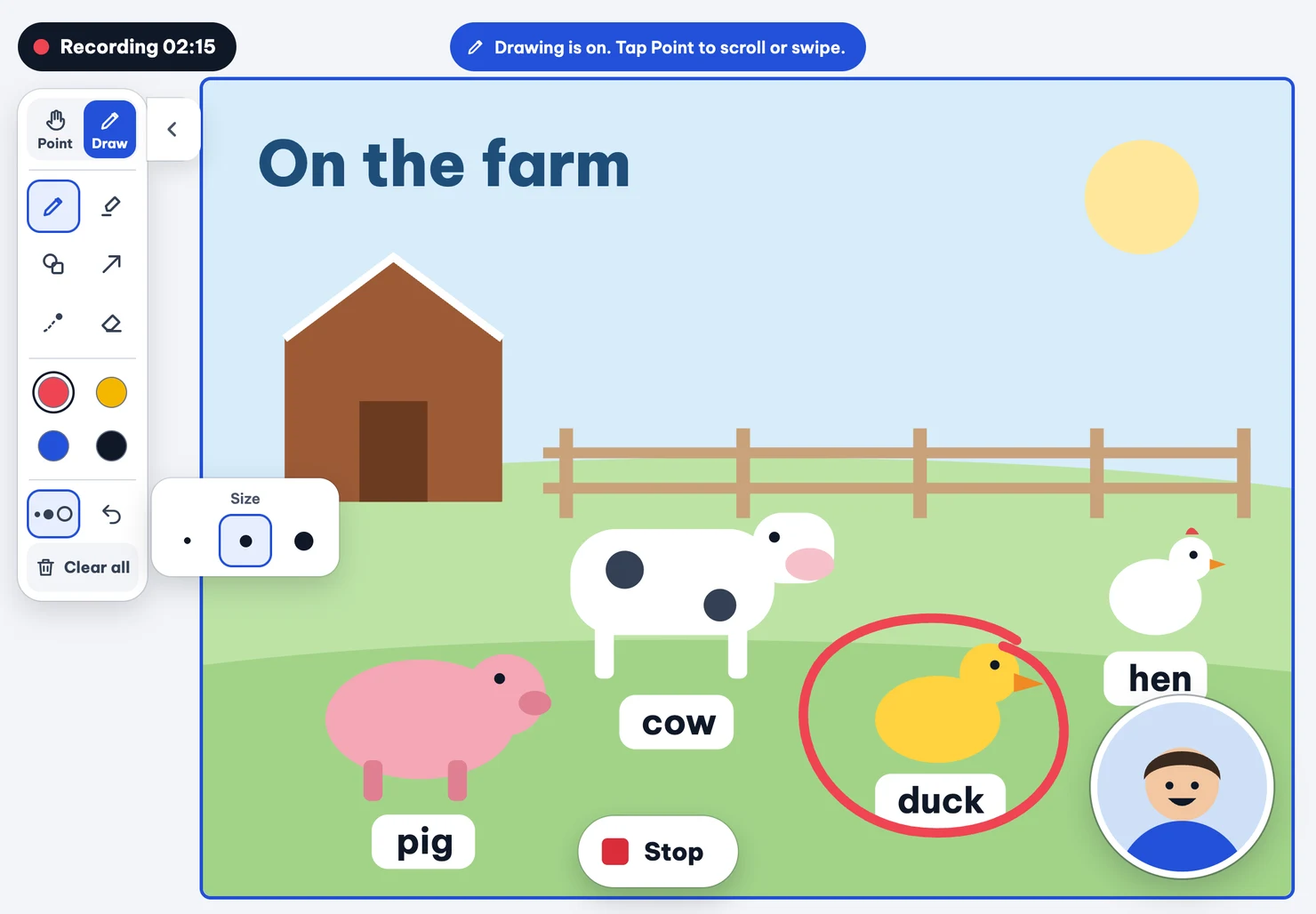
From a quick explanation to a shareable video.
Open your material
Start with a photo, screenshot, or PDF.
Record and draw
Talk through a worksheet, circle the tricky part, or show where to click.
Trim and share
Cut a pause or a false start, then send one video.
On iPad, iPhone, and Mac.
iPad and iPhone
Open your material in Voicepane and record your walkthrough right there.
Mac
Capture a window or your whole screen with your face and voice.
Start free.
Every export is watermark-free.
Free
Record with your face and voice, draw as you talk, and share in 720p.
Premium
Export in 1080p and add editable auto captions.
Your recordings stay on your device.
Voicepane keeps your videos on your device until you choose to share them. Auto captions are processed on your device, too.